GENERART
Generart is a project that I worked on in first year. I was given an open brief, simply being to create an Interactive Media project by picking an experience or problem to solve. I decided to work on a website that would allow people to experience the P5.js creative coding library without needing to know how to code. This is done by using the mouse on a canvas to draw shapes, which can then have actions applied to them. These actions apply a specific effect to the shape, such as randomly scattering it across the canvas. I found that one of the most important aspects of creative coding is the randomness that using a computer allows for. As a result, utilising Generart can result in a random output each time it is run, even if the parameters entered are the same.
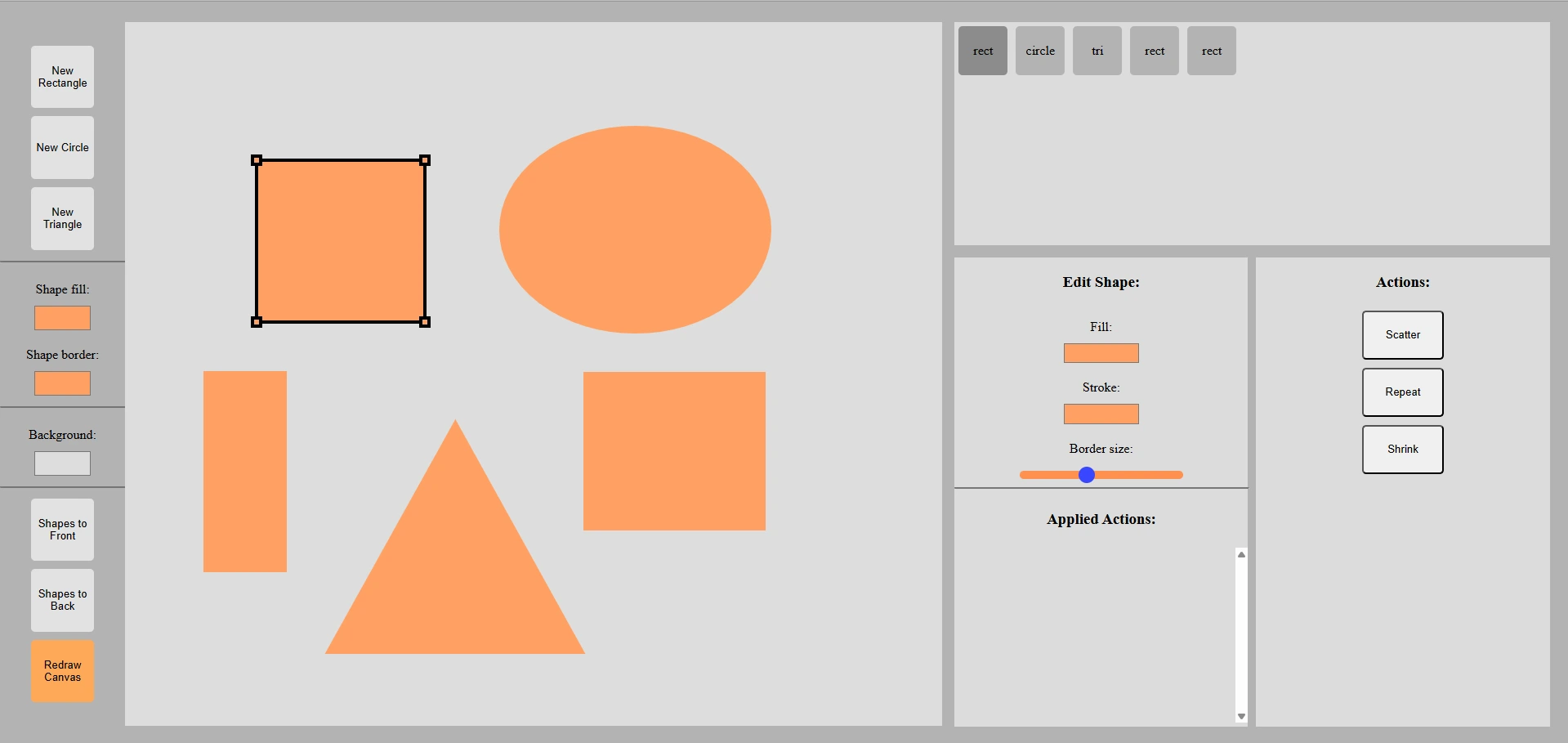
A user starts by clicking on one of the shape buttons in the top left of the screen. Once selected, the canvas can be clicked and dragged on with a mouse to place a shape. A placed shape can also be clicked on to select it, where it can be resized. The two colour pickers on the left panel set the colours of shapes that are being created. The background colour can also be set here. Shapes that have been drawn appear in the top right panel, where their colours and size can be edited. When a shape is selected, an action can then be applied to it. The redraw canvas button randomises the effect of applied actions.
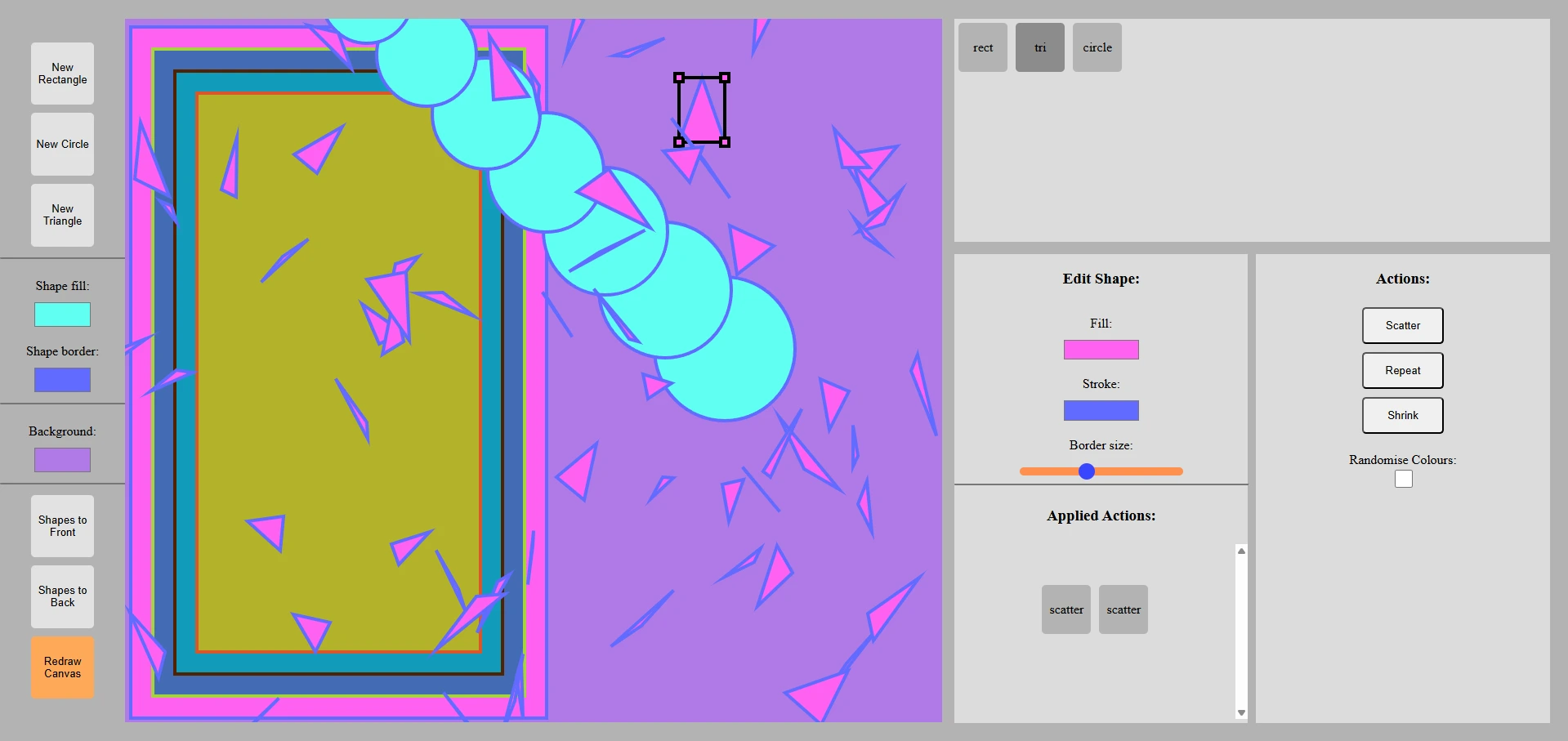
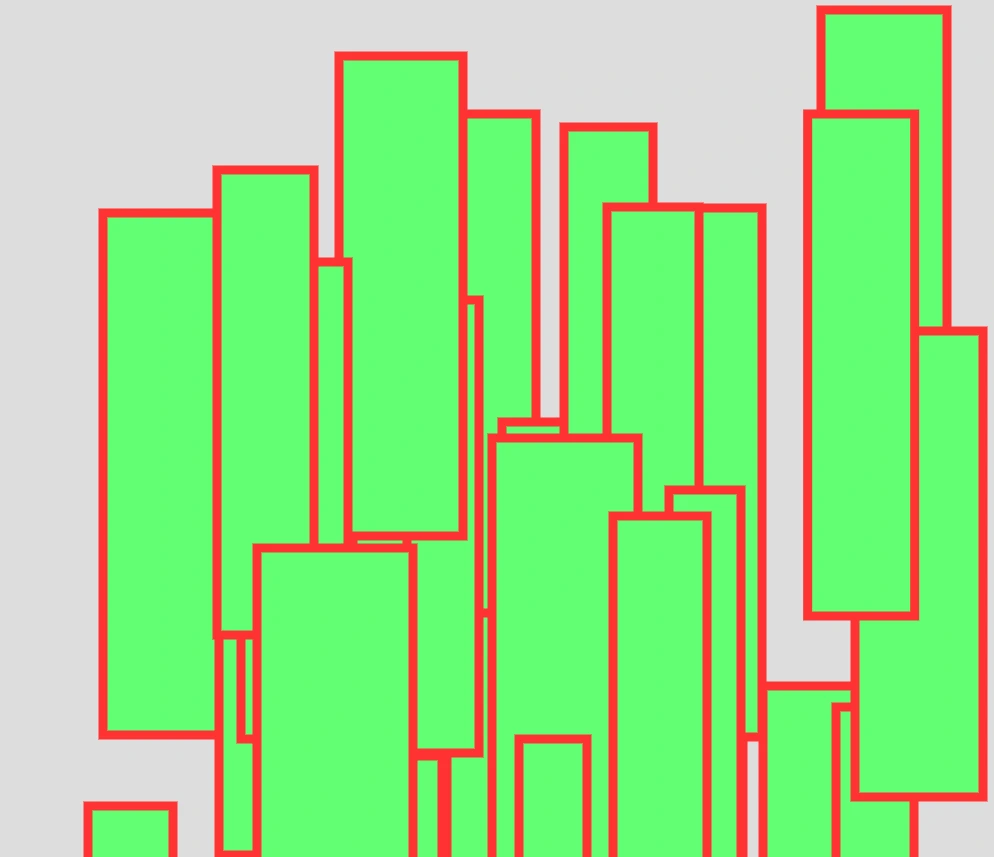
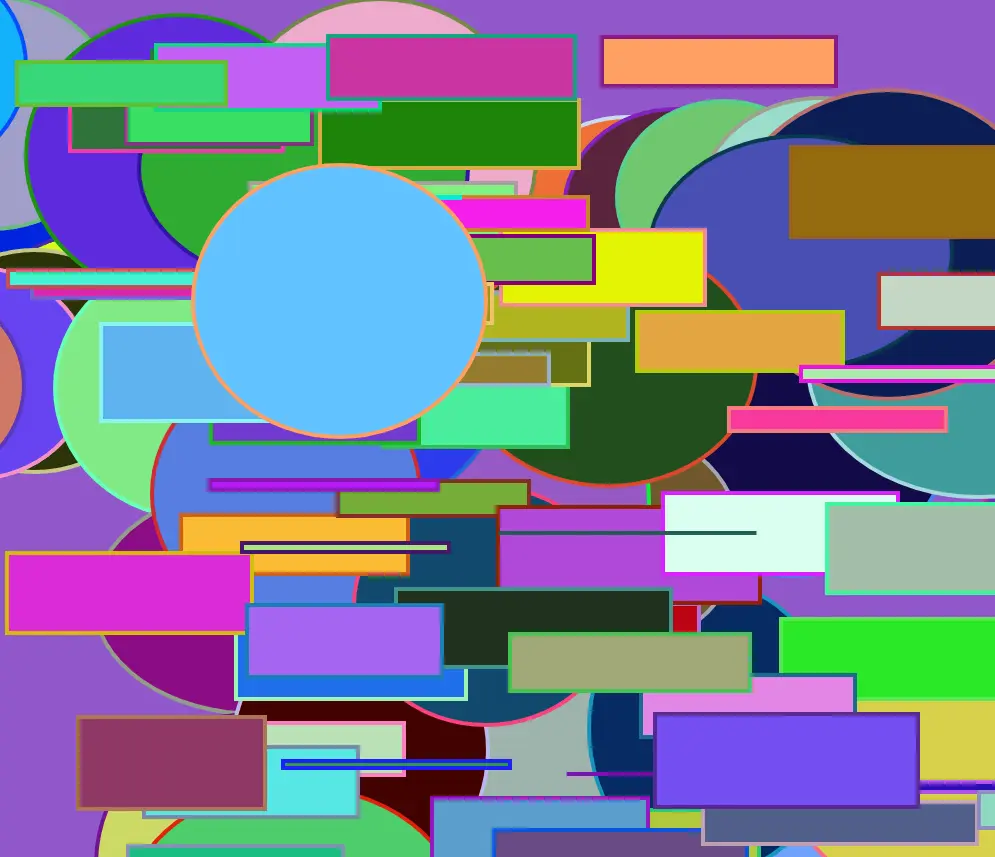
Below are two examples of outputs that I created using the program.