Technologies Used:
HTML, CSS, JS, P5.js
GenerArt is the prototype result of the DIM (Developing Interactive Media) module in first year. The goal was to pick an experience or problem to solve and create a relevant interactive media project. The problem that I chose was introducing generative art to people who either struggle with programming or aren't interesting in programming. In this case, I define generative art as art that is created with code, such as through the use of the P5.js library. As a result, I created a solution that allowed people to experiment with features of the P5.js library without needing to know how to code. This is done by using the mouse to draw shapes on the canvas. Randomness is an important aspect of generative art, and this can be done by randomising the colour or placement of shapes to generate different outputs each time, even with the same settings.
The design and research phase of this project took me through a few ideas. An early idea I had was to solve the problem of introducing more people to the wildlife on campus, for example with a map that could be used to explore and find out what wildlife there is. Another idea was to create a program that taught people design or programming concepts by playing through puzzles, though I decided that this was too similar to existing solutions. I felt that introducing people to generative art was the most interesting idea, as it is something less well known with more creative potential. Once settling on my idea, I created a mindmap of potential features and inspirations. I like to write out any and all ideas onto paper to help generate inspiration, as these ideas can later be sorted through into the final product. This gave me the core features I would need for my project: a canvas, a way to draw shapes, customisable parameters such as colour and size, editing existing shapes, "actions" which can be applied to shapes, and a redraw button to create a unique output each time. I also took the time to sketch up some inial wireframe ideas based on the inputs I wanted, such as sliders and buttons.
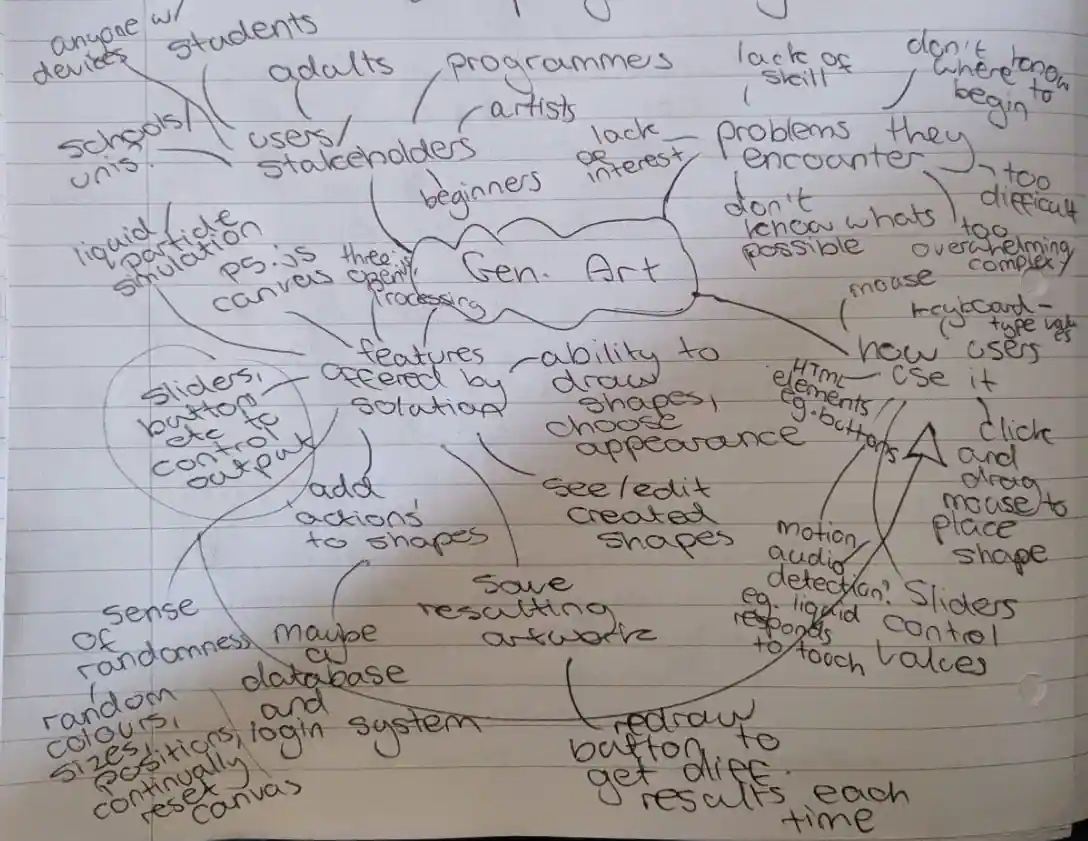
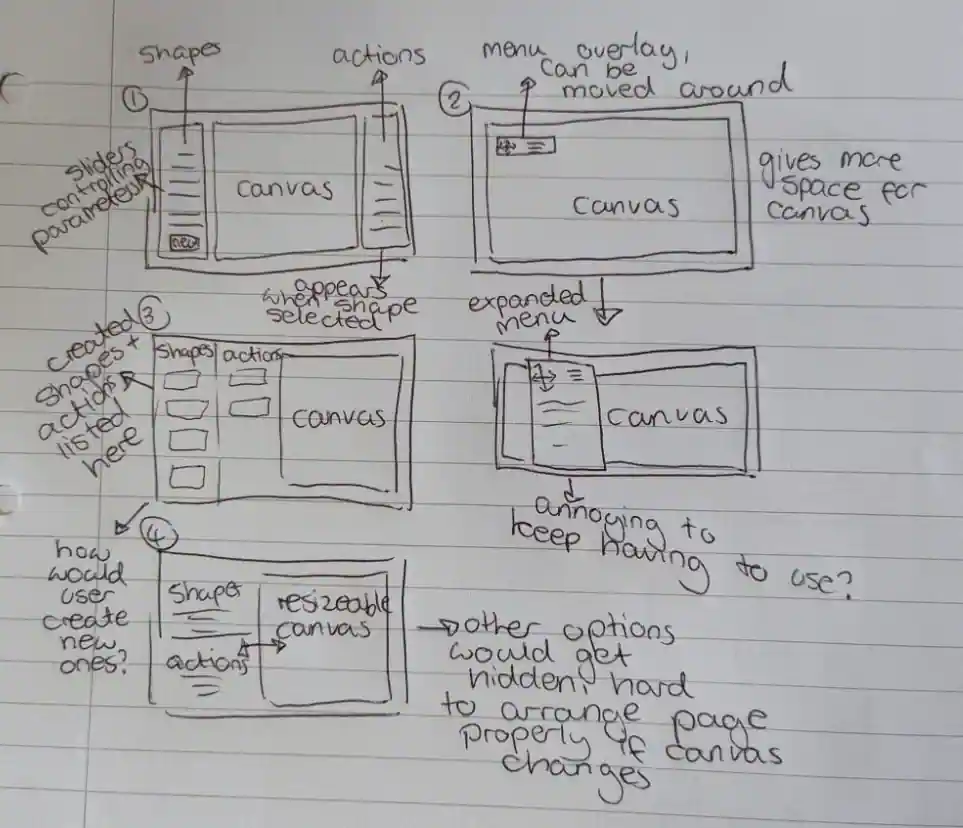
The mindmap of ideas that I generated for this project (left) and the initial wireframe ideas (right).
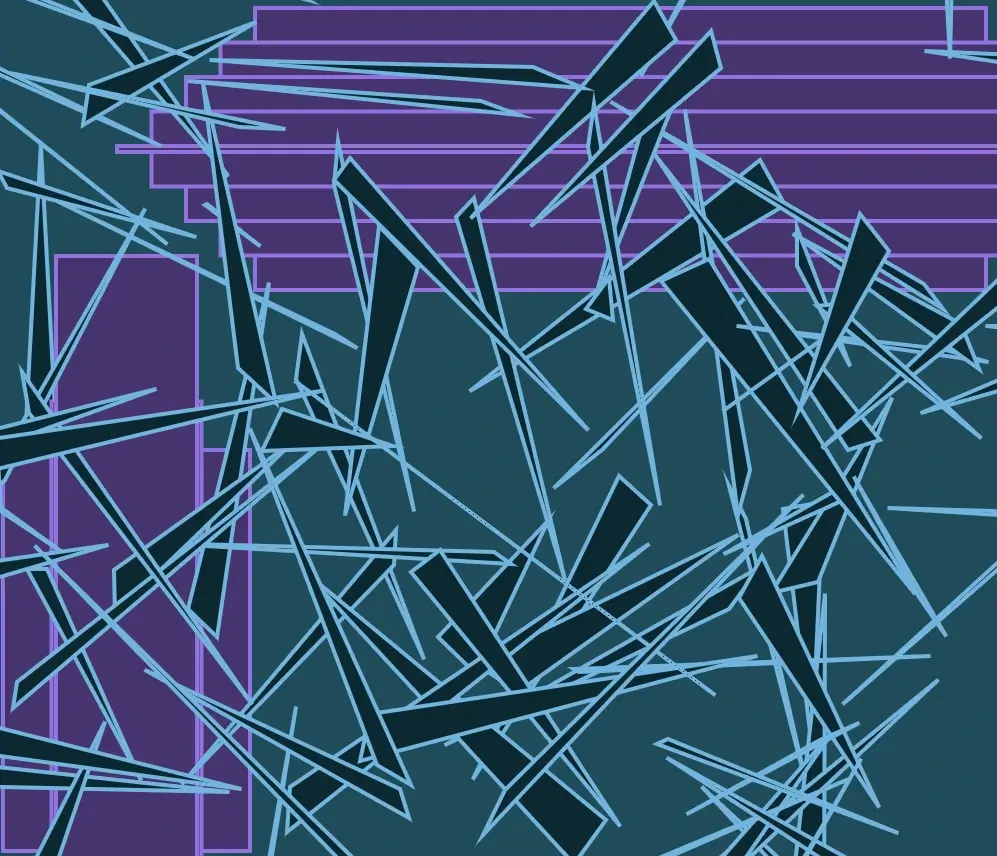
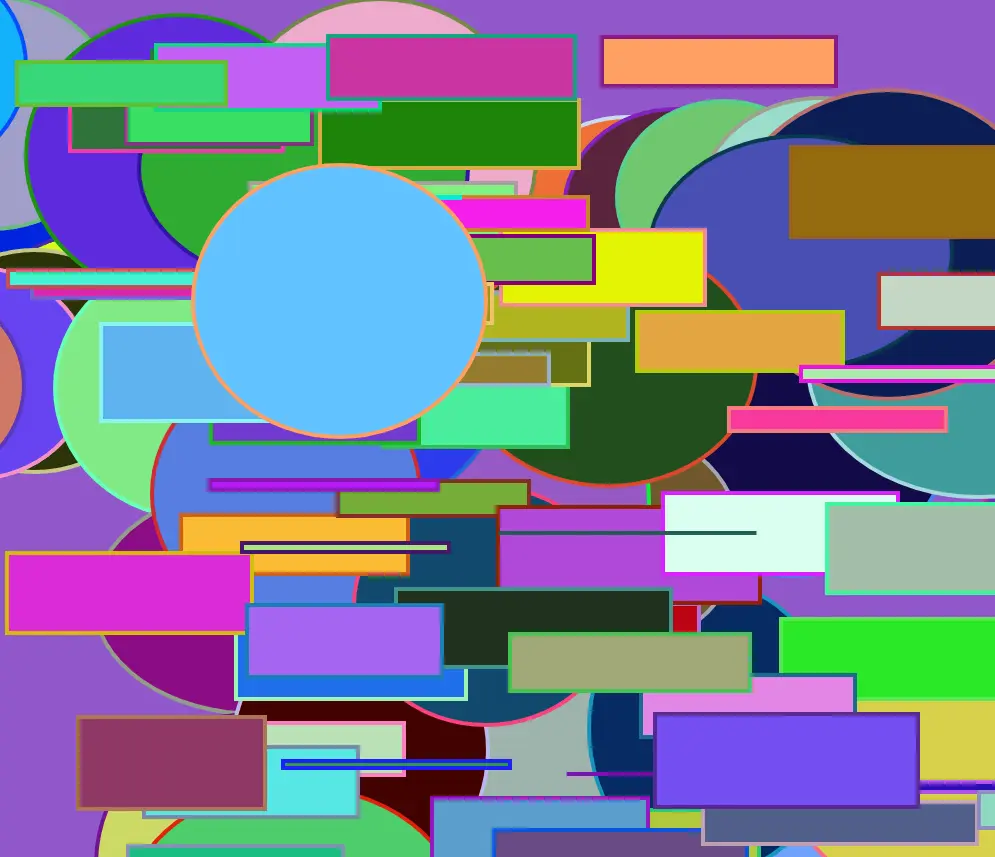
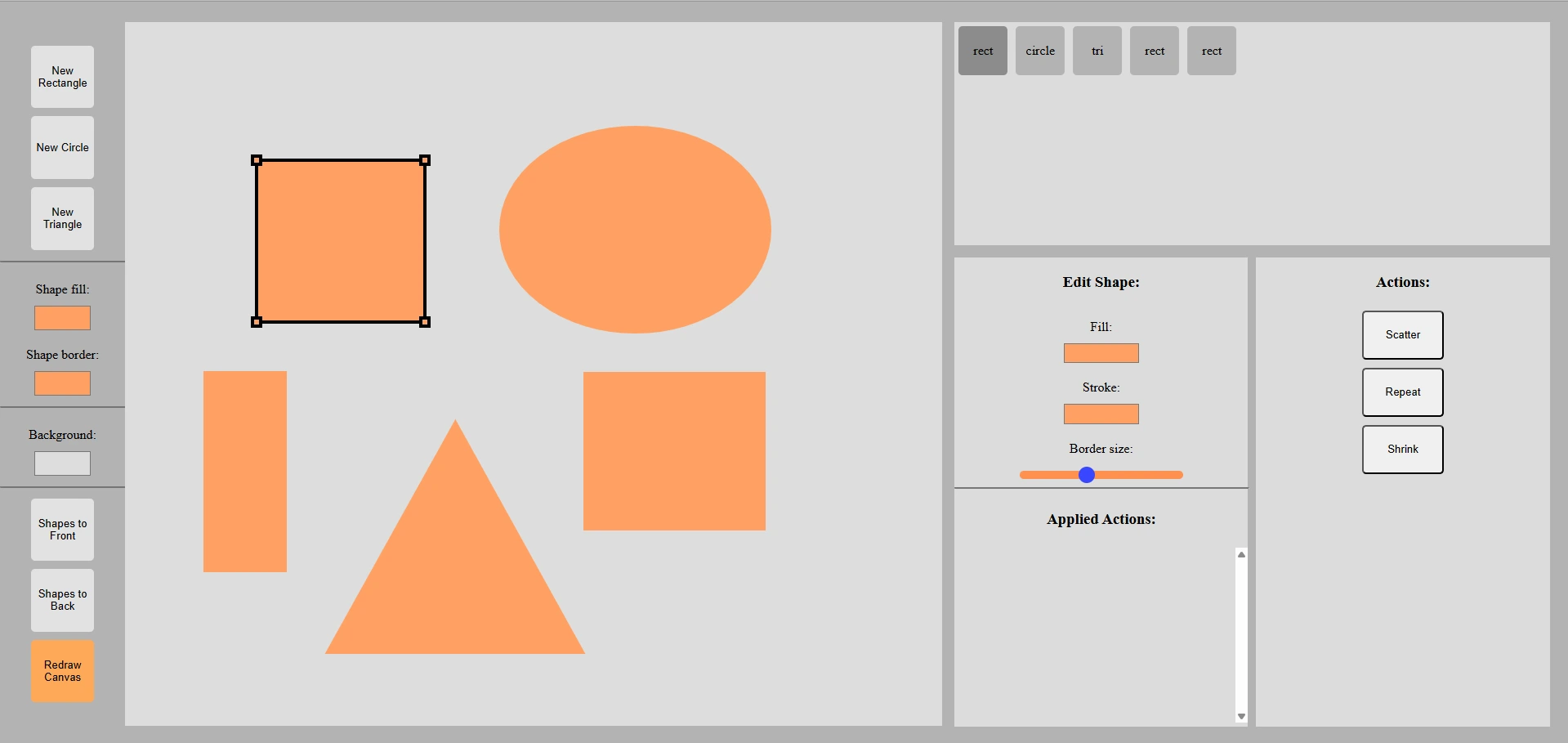
A user starts by selecting a shape from the panel in the top left. Once selected, the canvas can be clicked and dragged on with a mouse to place a shape. This shape can then be clicked on again, selecting it and allowing for it to be resized by dragging on handles in the corners. Colour pickers on the left panel set the fill and outline colours of shapes being created, as well as the canvas background colour. Shapes that have been drawn are logged in the top right panel, where they can be selected to edit their colours and sizes. When a shape is selected, an action can also be applied to it. Actions are essentially effects that are ran on the shape to change how it looks. For example, the "scatter" effect draws lots of different copies of the shape all over the canvas. The colours used in actions can be randomised.
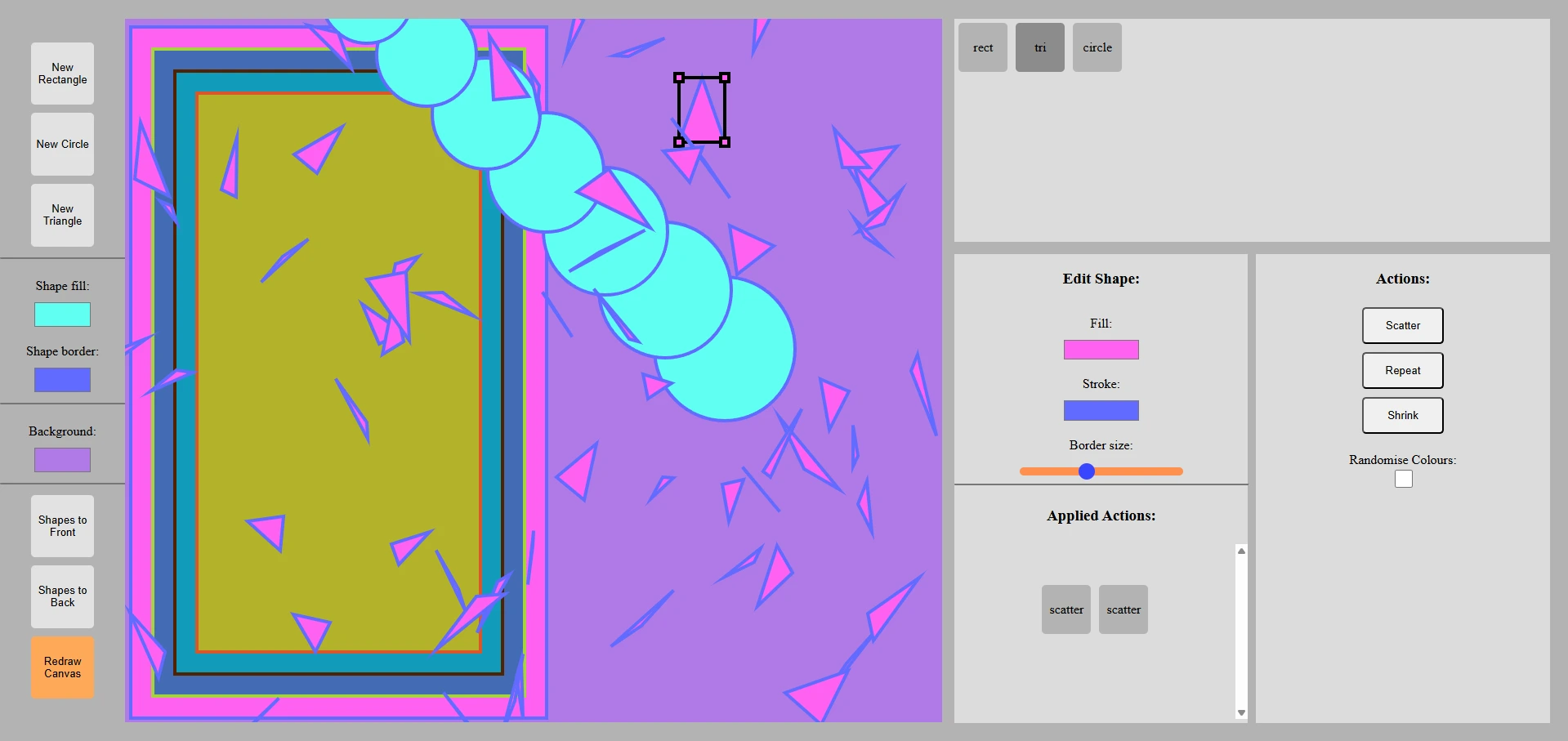
The result of scatter actions being run on a shape (left).
Multiple shapes on the canvas and the outline that appears when a shape is selected (right).